
Download Windows Error Lookup Tool Portable – Windows error lookup, error code decoder, system troubleshooting, portable tool, Windows utility
Overview
The Windows Error Lookup Tool Portable is a specialized utility designed to simplify the interpretation of Windows system error codes. When Windows encounters a technical issue, it often displays a numeric error code—such as 0x80070002 or 0x80073701—without offering meaningful context. This tool bridges that gap by translating these cryptic codes into clear, human-readable explanations in English. Its primary purpose is to assist users in diagnosing and resolving system-level problems more efficiently, reducing the time spent searching through documentation or forums.
Targeted at both novice users and experienced IT professionals, the tool is especially useful in troubleshooting software installation failures, driver errors, or system startup issues. Real-world use cases include identifying the root cause of application crashes, resolving update errors, or diagnosing registry or file access problems. For IT support personnel, the ability to quickly decode error codes streamlines technical assistance and enhances service delivery.
Developed by Joe C. Jones, the tool reflects a focused effort to address a common pain point in Windows system management. Although the developer did not provide additional technical details, the application’s long-standing presence since 2013 indicates reliability and continued relevance in the Windows utility ecosystem. The tool’s portability further enhances its value, making it a go-to resource for on-the-go diagnostics.
Key Features & Functionality
- User-Friendly Interface: The tool features an intuitive layout that requires no technical expertise to operate. Users can input a numeric error code directly into a simple field, and the application instantly returns a descriptive explanation. This accessibility ensures that even non-technical users can understand and act on system errors.
- Quick Error Translation: The core functionality lies in its ability to decode error codes in real time. Rather than relying on external searches, users receive precise, official definitions from the Windows SDK, minimizing the risk of misinformation. This immediate feedback accelerates the troubleshooting workflow.
- Error Tracking Capability: Users can log and review multiple error codes over time. This feature supports pattern recognition—such as recurring failures during software updates or specific hardware interactions—enabling proactive system maintenance.
- Portable and Lightweight Design: As a portable application, it runs directly from a USB drive without installation. With a file size of just 1.1 MB, it consumes minimal system resources, making it suitable for older or low-spec systems. This design also ensures no trace is left behind after use.
For example, when encountering a 0x80073701 error during Windows Update, the tool instantly returns “The specified module could not be found.” This clarity helps users identify missing system files or corrupted components. Similarly, a 0x80070005 error translates to “Access is denied,” guiding users toward permission or security-related fixes.
Interface, UX & Performance
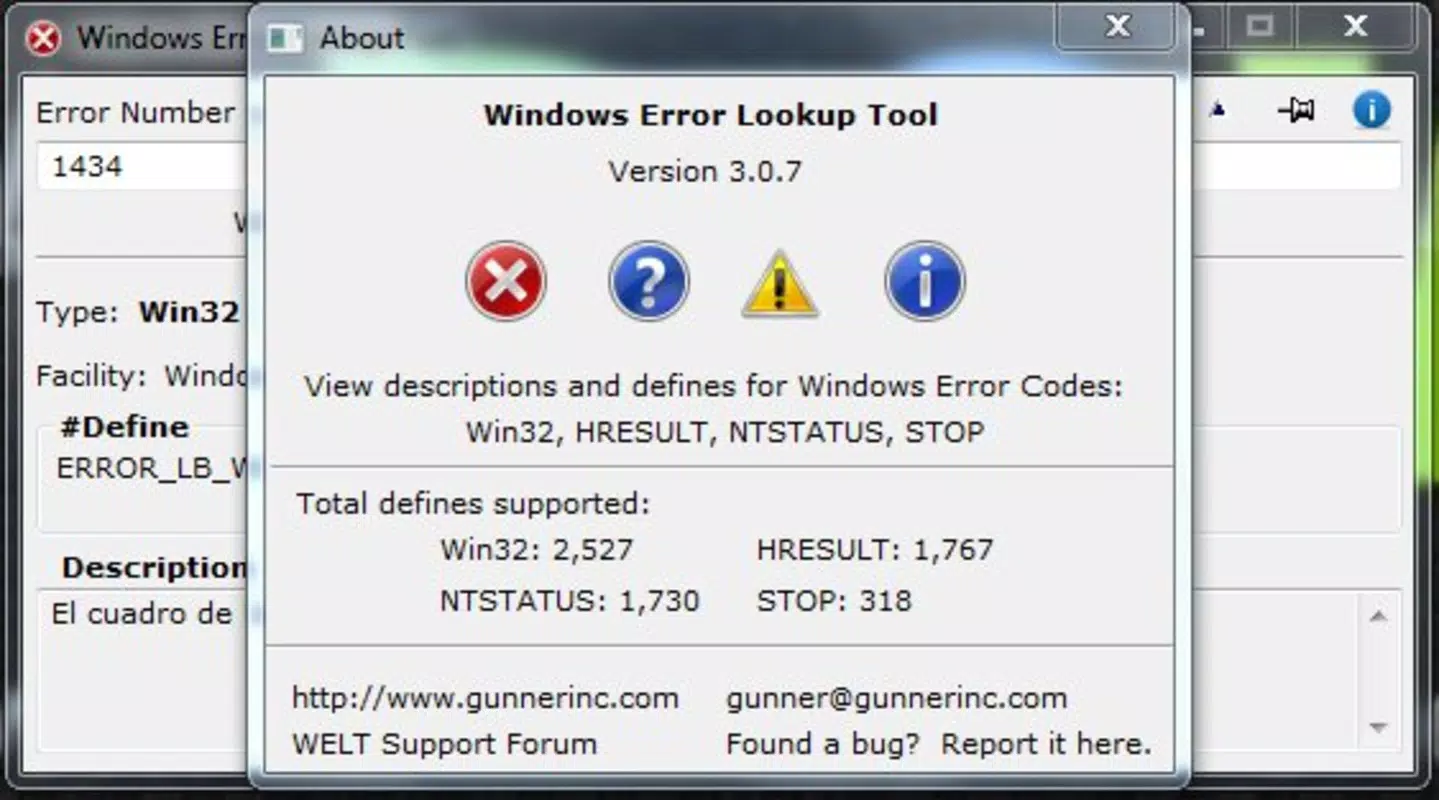
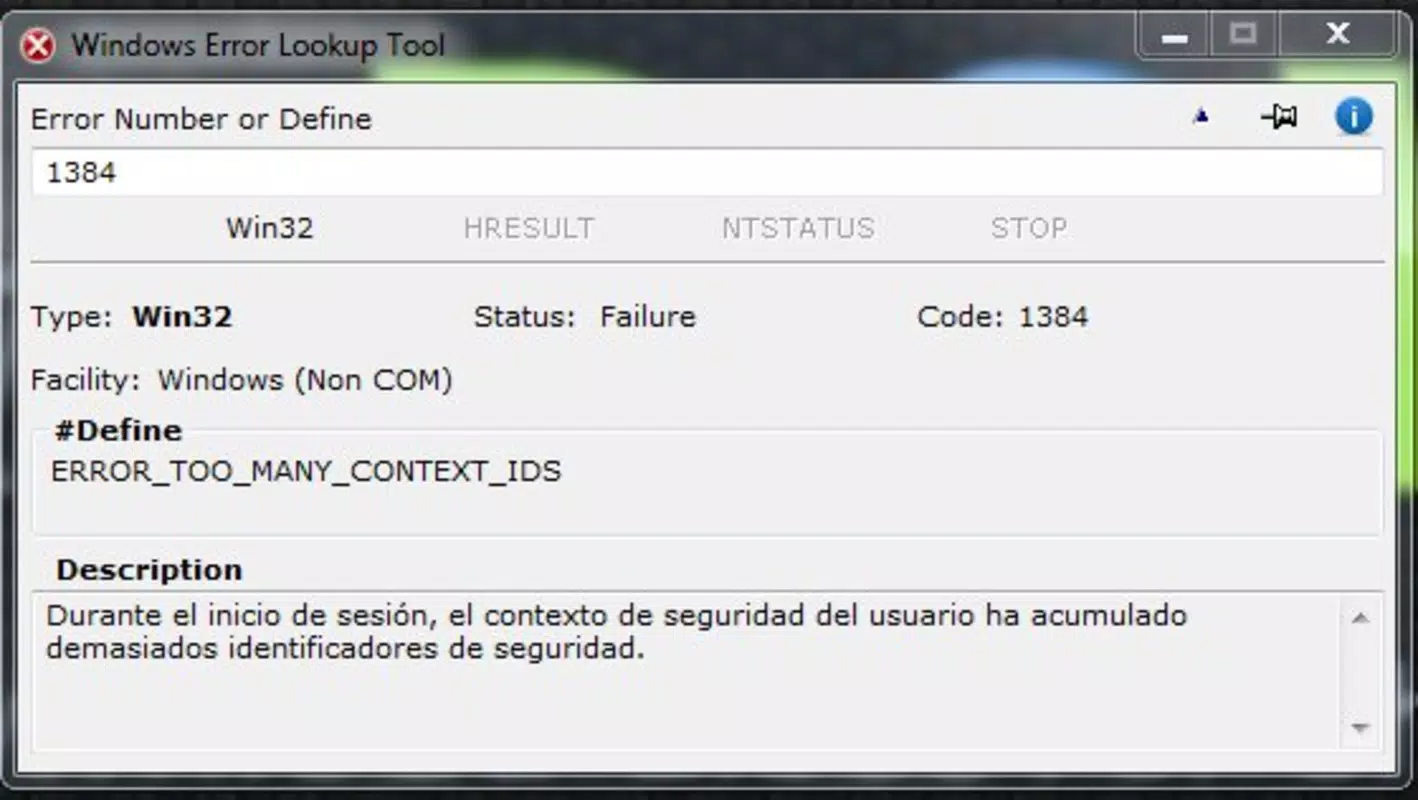
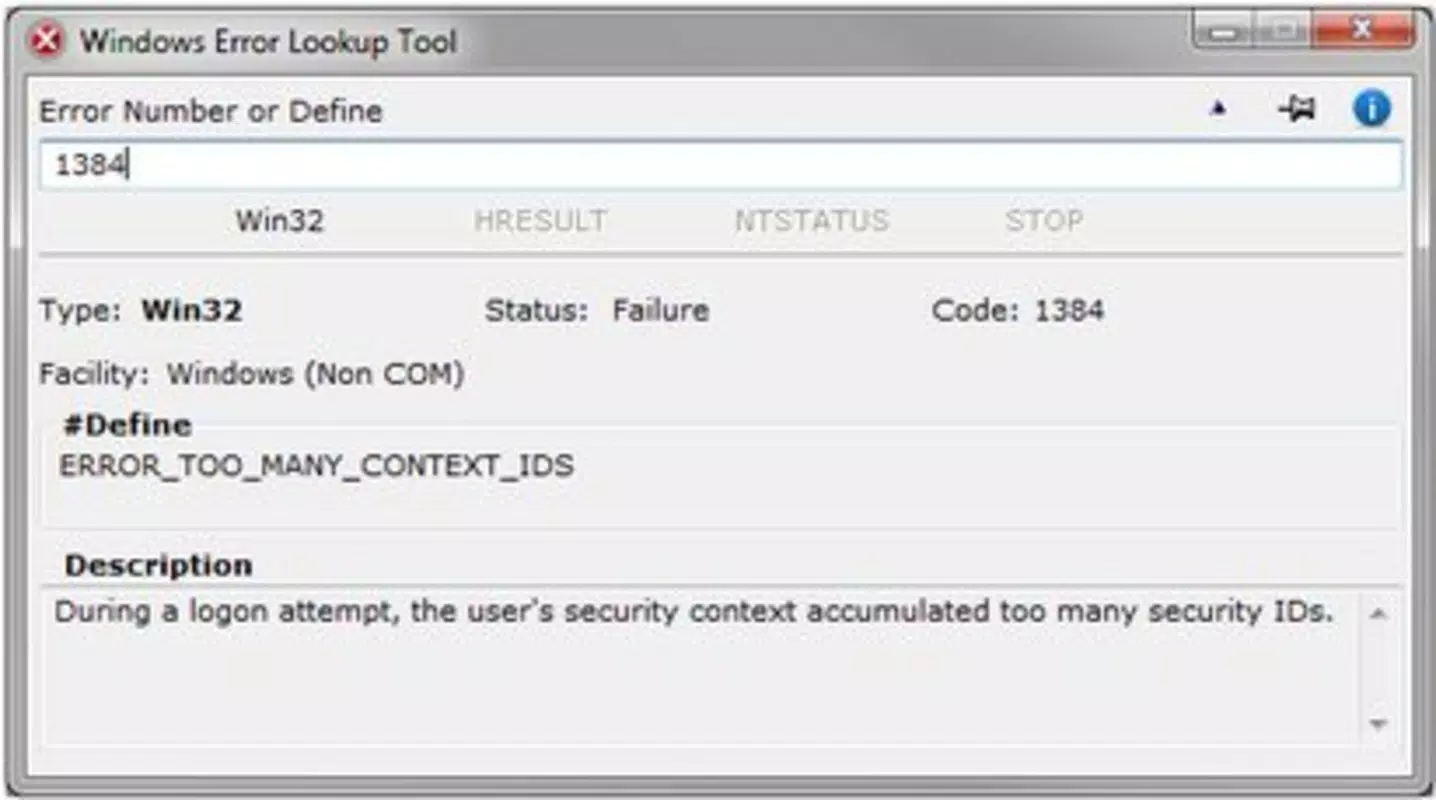
The interface of Windows Error Lookup Tool Portable is minimalistic and focused on functionality. The layout centers around a single input field for the error code and a dedicated output area displaying the translated message. Navigation is straightforward—users enter a code, press a button, and receive the result. There are no unnecessary menus or complex settings, which enhances usability across all experience levels.
Visual design is functional rather than aesthetic, prioritizing readability and clarity. Text is presented in a clean, legible font with no distracting graphics or animations. This approach ensures the tool remains accessible even on older displays or low-resolution screens.
Although the developer did not list formal performance metrics, the tool’s lightweight nature suggests it operates efficiently on a wide range of Windows platforms. It launches quickly and responds in real time, with no noticeable lag during code translation. Stability appears consistent, as the application does not require frequent restarts or crash recovery.
Responsiveness is maintained across different device categories, including desktops, laptops, and older systems. The absence of installation requirements further reduces the risk of compatibility issues during runtime.
Platform Compatibility & Technical Requirements
Windows Error Lookup Tool Portable is designed for the Windows operating system. The application runs on Windows platforms without requiring installation, making it compatible with various editions of Windows, including Windows 7, 8, 10, and 11, provided they support the underlying runtime environment.
The software version is 1.0, and the file size is 1.1 MB, indicating a highly compact and efficient utility. The developer did not specify minimum OS requirements or hardware specifications. However, the portable nature and small footprint suggest broad compatibility with legacy and modern systems alike.
Compatibility information was not fully disclosed. Users should ensure their system supports standard Windows executables and has access to a USB port if using the portable version.
Pros and Cons
Pros
- Free to download and use with no hidden costs
- Runs directly from a USB drive without installation
- Extremely lightweight at only 1.1 MB
- Provides instant, accurate translations of Windows error codes
- Simple interface suitable for users of all technical levels
- Supports tracking of multiple error codes over time
Cons
- Developer did not provide detailed system requirements
- No built-in update mechanism for error code database
- Only supports Windows operating systems
- Interface lacks advanced customization options
- Does not offer automated repair suggestions
FAQ
Is Windows Error Lookup Tool Portable safe to download?
Yes, the tool is free and available from trusted sources. As a portable application, it does not install components or modify system settings, reducing the risk of malware or unintended changes.
Can I use this tool on any Windows PC?
Yes, the tool is designed to run on most Windows systems. Since it does not require installation, it can be used on any PC with a USB port and a compatible Windows environment.
Does the tool require internet access?
No, the application operates offline. It uses an internal database of error codes, so no internet connection is needed to decode error messages.
How often is the error code database updated?
The developer did not specify update frequency. The tool relies on the original Windows SDK definitions, which are stable but may not include newly introduced error codes.
Can I install this tool permanently on my computer?
While the tool is portable by design, it can be copied to a local drive and used permanently. However, it does not include an installer or uninstaller, so manual management is required.
Final Thoughts
Windows Error Lookup Tool Portable stands out as a reliable, no-frills utility for anyone dealing with Windows system errors. Its ability to instantly decode numeric error codes into plain English makes troubleshooting faster and less intimidating. The combination of portability, low resource usage, and a straightforward interface ensures it remains a valuable tool for both casual users and IT professionals.
While it lacks advanced automation or automatic updates, its core function is executed with precision and efficiency. For anyone who frequently encounters Windows errors during software installation, system updates, or driver issues, this tool offers immediate clarity and practical value.
Download Windows Error Lookup Tool Portable now


